
Review the invoicing activity of the selected company and access the available support channels when assistance is required.
1. Reports
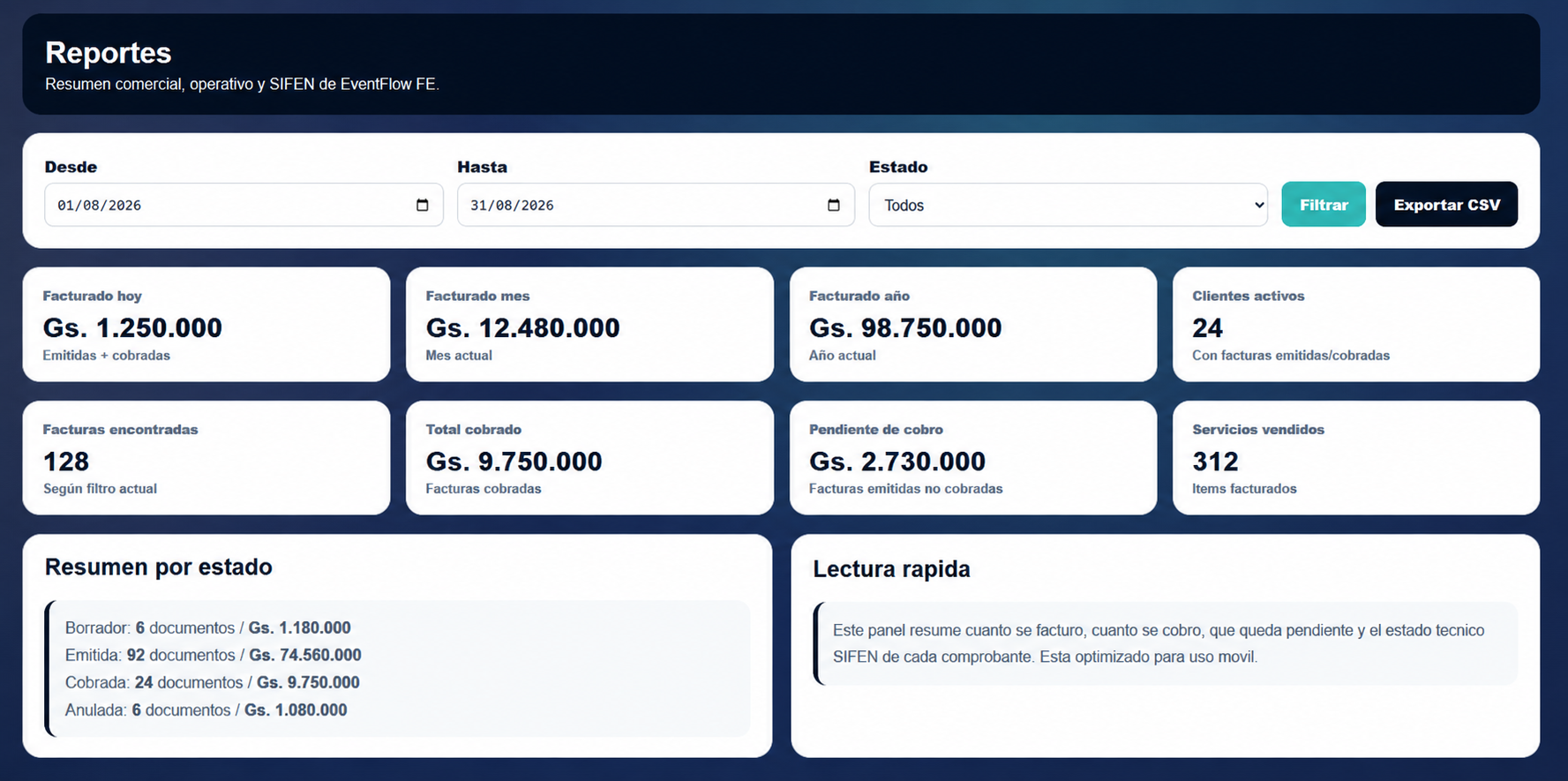
Open Reports from the company workspace to review the invoicing activity recorded for the selected company.
Use the available filters to select a date range and document status. The report provides the corresponding billing and document information, including invoiced amounts, collections, pending amounts, invoices found and services sold.
The Summary by status shows the number and amount of documents grouped by their available states for the selected criteria.
Reports can also be exported in CSV format for use outside EventFlow FE PRO.
Select the image to open the full-size view.
2. Support
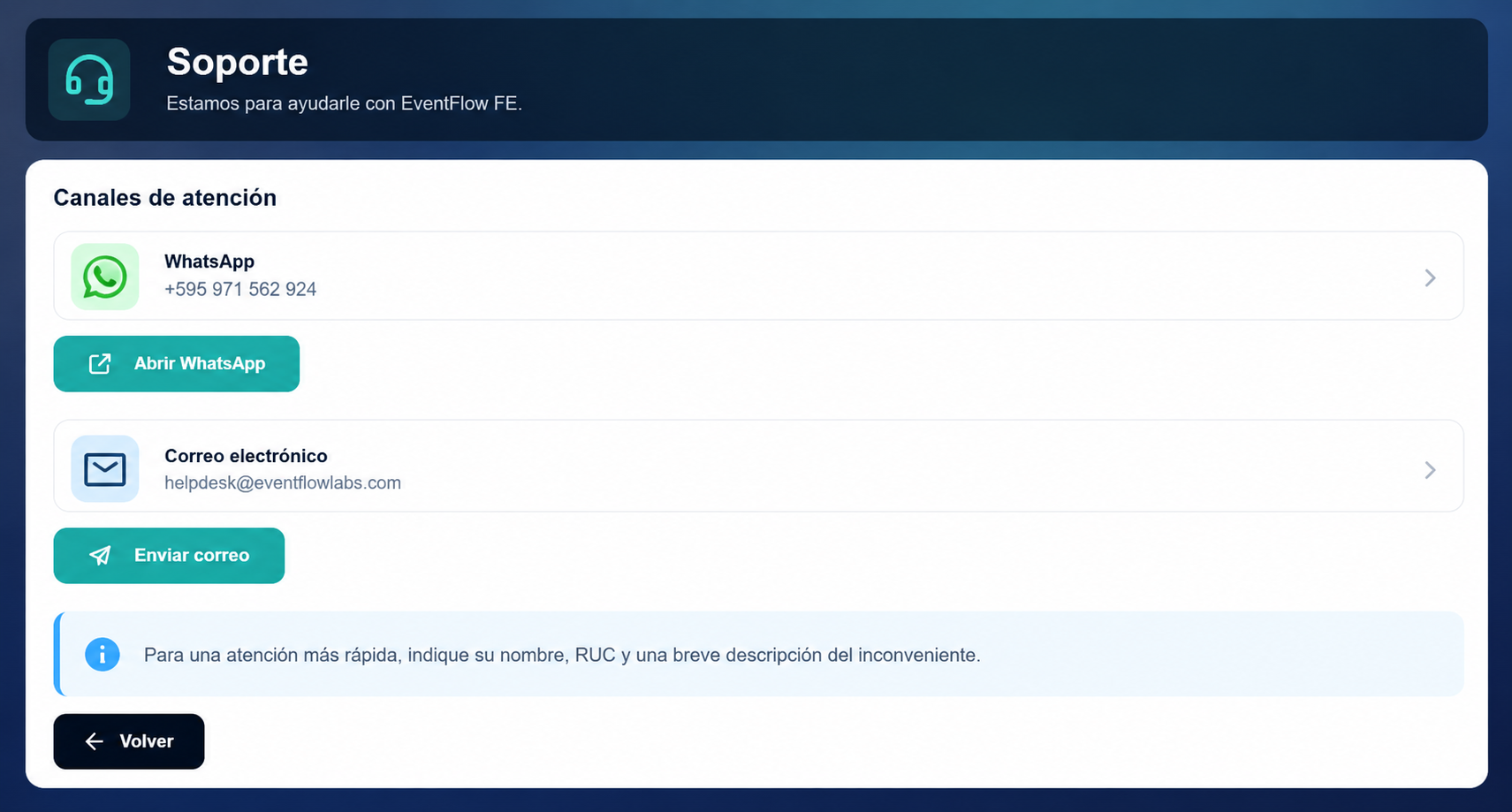
Open Support when assistance with EventFlow FE PRO is required.
The available support channels are:
- WhatsApp: +595 971 562 924
- Email: helpdesk@eventflowlabs.com
For faster assistance, include your name, RUC and a brief description of the issue.
Select the image to open the full-size view.
Continue using EventFlow FE PRO
Once a company is configured, its regular operating cycle continues from the company workspace:
Select company → Manage clients and services → Create and issue invoices → Check SIFEN results → Share invoices → Review reports
For the underlying fiscal behavior, document lifecycle, SIFEN interoperability, document integrity and operational architecture, refer to the EventFlow FE Technical Documentation.
Acquire EventFlow FE PRO
If you would like to acquire EventFlow FE PRO, contact one of our authorized partners.